
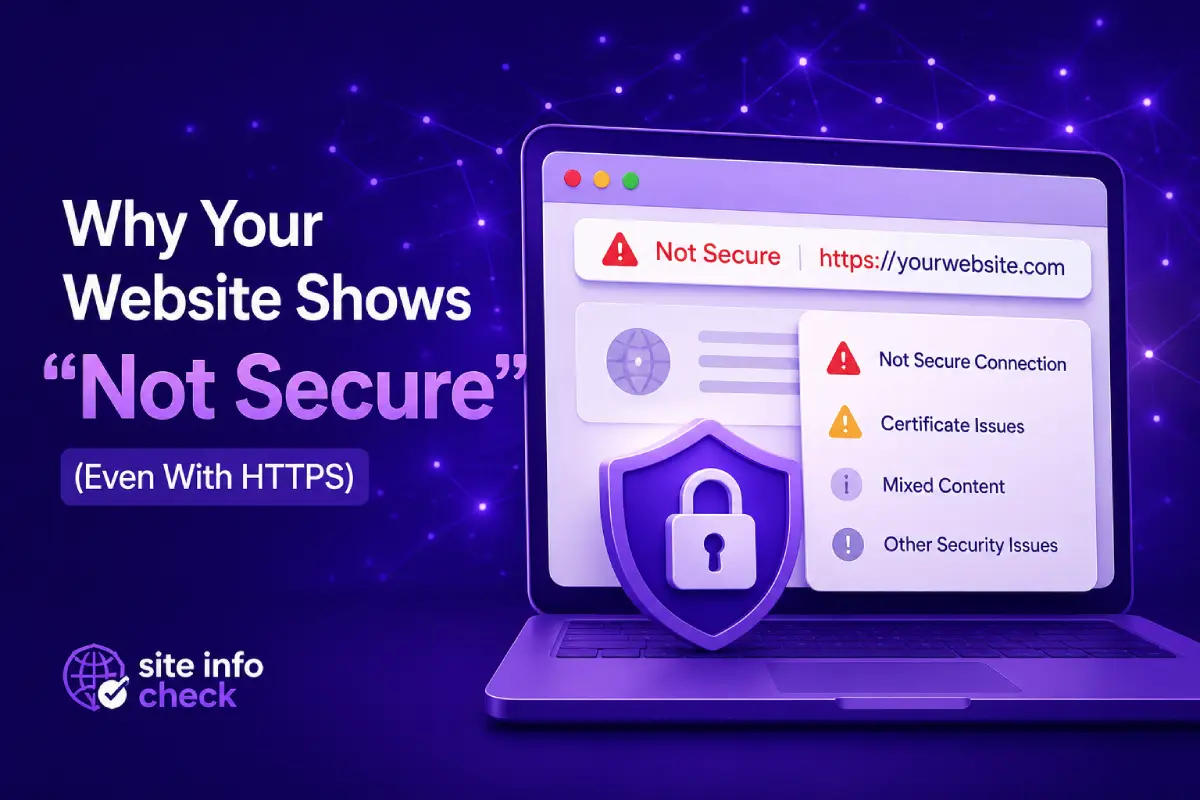
HTTPS – The standard for most people to check security against
About twenty years ago, HTTPS was just a brand new technology that was only expected to be active on sensitive endpoints and for important actions, like banking or logins. But today, people expect to see it everywhere, even non-technical people know that if it is not HTTPS, then it is not safe. Ok, that is mostly true, but how come when even the website has HTTPS, we still get a Not secure warning on our browser? What is happening in the background? We will talk about it in this article.
Before we begin, I must say that warnings are not always because the website itself or you. Maybe your Internet Service Provider (ISP) or any regulations you might have in your region, does something sneaky that you are not aware of. That’s not common, but you might not want to overlook that if you live in some specific parts of the beautiful planet earth.
A small warning:
Just so you know, one other very important thing that triggers the not secure warning, is that when someone is listening to your connection! For example, if someone in your home is connected to the same router as you and performs a Man In The Middle attack (MITM) attack with a method like ARP Spoofing, you will likely see the warning on all websites you visit. So be cautious specially in places that tell you “We have free Wi-Fi, be our guest”.
In this blog, we will be discussing issues related to HTTPS configuration and browser’s behavior.
Why Your Website Shows “Not Secure” (Even With HTTPS)
If the website uses HTTPS but still shows a “Not Secure” warning in the browser, you’re not alone. It happens more often than you might think, somehow we can say that “Not Secure” does not always mean that it’s not secure.
This is a common issue for website owners and small businesses and in most cases, it does not mean your entire site is unsafe. It usually means there is a specific configuration or content problem that needs fixing.
we’ll explain why this happens, clear up some common misunderstandings about HTTPS, and show you how to diagnose the issue correctly.
The Biggest Myths About HTTPS
Many users or website owners assume:
“If a site has HTTPS, it should always be secure.”
That’s not entirely true.
HTTPS simply means that a website can use encrypted connections. HTTPS is supposed to protect your communication with the website, so no one can see what you tell the website and what it tells you back. In general HTTPS aims to protect the integrity of your communication and make sure that messages get to their destination safe.
By just having HTTPS in beginning of an address, it does not mean that:
- The SSL certificate is valid
- All site content is loaded securely, some maybe, some not
- The certificate is correctly installed: The certificate validity and proper configuration are two different things.
- Browsers fully trust the configuration
Because of this, browsers like Chrome, Edge, and Safari may still show “Not Secure” even when HTTPS is enabled.
Most Common Reasons a Site Shows “Not Secure” Even With HTTPS
- Mixed Content (Most Common Cause)
This happens when:
- The main page loads over HTTPS
- But some resources (images, scripts, CSS) still load over HTTP
Browsers treat this as a security risk because unsecured elements can be tampered with.
This problem often arises when there are multiple sources of information or content to be loaded into the website. This gets worse when the infrastructure of a website or a company gets bigger. Imagine you have multiple websites on multiple servers, too many code files, images, fonts, videos, external sources of data that you need their service and etc. The developer should always pay attention to the architecture so all resources would be loaded under a secure connection channel like HTTPS.
Example:
A WordPress site migrated to HTTPS, but old image URLs in blog posts still use http://.
-
Expired or Invalid SSL Certificate
SSL certificates have expiration dates and also need to be renewed once in a while.
If the certificate expires, even by one day, browsers will show warnings immediately.
Other certificate issues include:
- Certificate issued for a different domain but used for another
- Missing intermediate certificates
- Incorrect installation on the server
-
HTTPS Not Enforced Site-Wide
If:
- Your homepage loads with HTTPS
- But internal pages or redirects fall back to HTTP
Browsers may warn users depending on how they land on the site.
This is common when:
- HTTP → HTTPS redirects are misconfigured: Your website is supposed to tell users who visit the HTTP address to move to the HTTPS version, but sometimes there might be a misconfiguration on the server or the website code base, that prevents the browser from doing that automatically.
- CDN or hosting settings are inconsistent
-
Browser Cache or Old Redirects
Sometimes the issue isn’t the certificate at all.
Browsers aggressively cache:
- Old redirects
- Security policies
- Previous certificate data
This can cause warnings to persist even after fixing the real issue. In other words, the issue has been fixed on the website, but browser shows you the previous version, the last thing you saw. Browser does that for the sake of load speed but sometimes causes minor problems like that. So always make sure you viewing the latest version of the website. One thing you can do is to know that whether this is the source of the problem, you can hard reload. In most modern browsers there are key shortcuts for that. For most of them, you can hold control and shift buttons, the press R. This way everything will be requested again from the server so you will see the latest version.
How Browsers Decide to Show “Not Secure”
Modern browsers look at multiple signals, not just HTTPS:
- Certificate validity
- Encryption strength
- Mixed content
- User actions (like form inputs)
- Known unsafe configurations
That’s why two browsers may show different warnings for the same site. HTTPS is not a true or false kind of situation, there are multiple factors that needs to be checked by browsers.
How to Diagnose the Problem Correctly
Instead of guessing, it’s best to check your SSL configuration directly.
An online SSL checker can help you:
- Verify if the certificate is valid
- See expiration dates
- Detect missing certificate chains
- Identify common configuration issues
It will give you a clearer version of the certificate that the browsers see and decides if a website is secure or not.
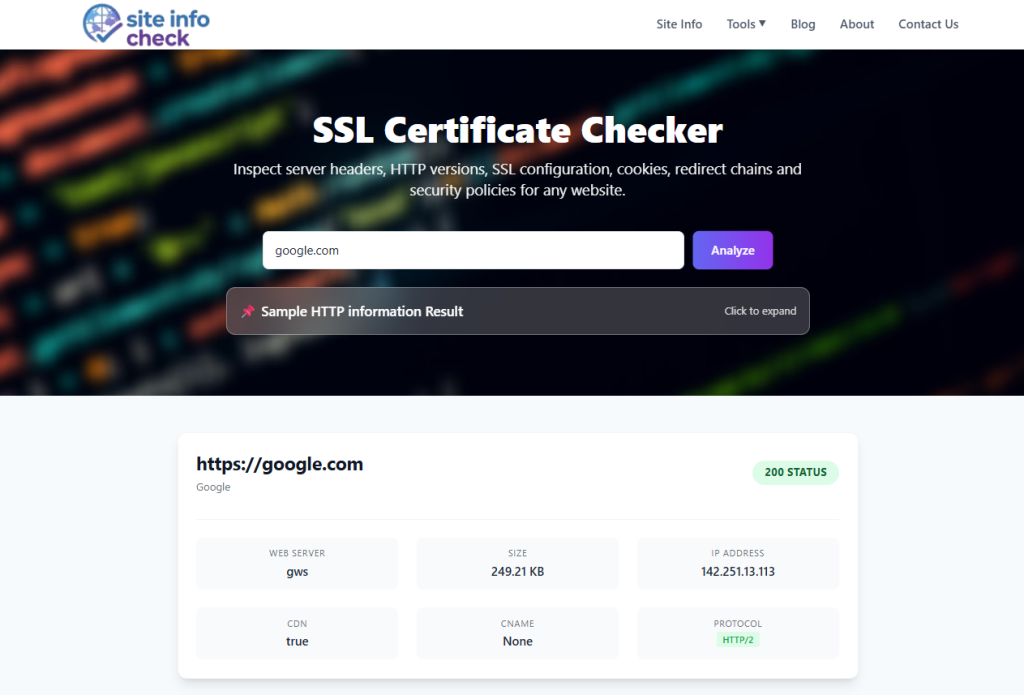
What to Look For in the Results
- Certificate status: valid or invalid
- Expiration date
- Domain match
- Warnings about mixed or incomplete chains
This gives you a clear starting point before making changes on your server or hosting panel.
What Usually Fixes the Issue
Depending on the cause, fixes may include:
- Replacing HTTP links with HTTPS
- Renewing or reinstalling the SSL certificate
- Enforcing HTTPS redirects site-wide
- Clearing browser cache and testing in incognito mode
- Updating CDN or hosting SSL settings
The key is identifying which problem you actually have before applying fixes. If this is not done and we just test random methods, this might turn a very simple issue into a complex one to resolve.
FAQs: “Not Secure” Browser Warnings
Is my website unsafe if it shows “Not Secure”?
Not necessarily. In many cases, the warning is triggered by an SSL, HTTPS, or mixed content configuration issue rather than an actual security breach.
Will “Not Secure” hurt my SEO?
Indirectly, yes. Security warnings can reduce user trust, increase bounce rates, and lower conversions — all of which may negatively affect SEO performance.
Does HTTPS automatically renew SSL certificates?
Only if your hosting provider or certificate authority supports automatic SSL renewal. Otherwise, certificates must be renewed manually before expiration.
Can ads or third-party scripts cause this warning?
Yes. External scripts, ads, or embedded resources loaded over HTTP instead of HTTPS can trigger mixed content and “Not Secure” browser warnings.
Final Thoughts
Seeing “Not Secure” on an HTTPS website is frustrating, but it’s usually fixable once you understand the cause.
Instead of assuming the worst, focus on diagnosing the exact issue, checking your SSL setup, and fixing configuration gaps.
A properly configured HTTPS site builds trust, protects users, and avoids unnecessary browser warnings, especially important for businesses targeting users in the US and Australia.
Stay safe friend
Leave a Reply